SWOT Competitive Analysis Excel Template 08082301

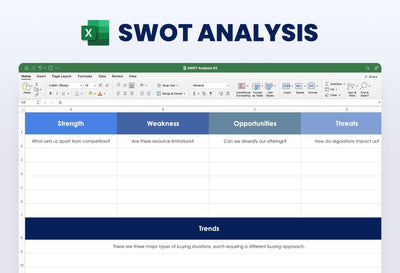
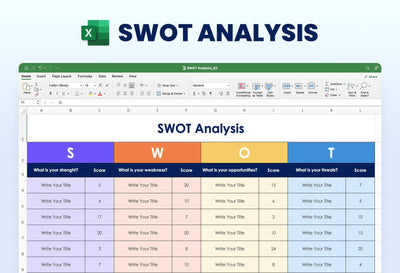
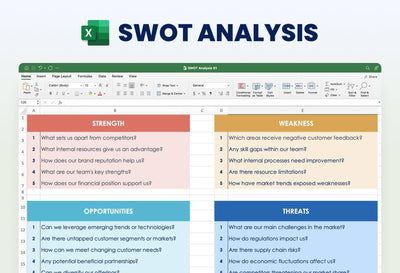
Line up your business against three competitors on one sheet with the SWOT competitive analysis Excel template. Strengths, weaknesses, opportunities and threats each get their own block, with the same four company columns across the top of each.
What's in the sheet
- A blue Strengths block and a tan Weakness block across the top rows
- An orange Opportunities block and a gray-blue Threats block below them
- Columns headed My Business, Competitor 1, Competitor 2 and Competitor 3 in every block
- Five starter rows under strengths, such as Skilled Workforce, and five under weakness, such as Outdated Technology
- Market Growth and Competition opening the lower two blocks, which run past the bottom of the preview
Bring it to a planning meeting or a strategy day with your partners. You can also fill it alone before you pitch to a bank or an investor, so you know where you stand against the shops or firms you lose customers to.
Start with the column headers. Replace Competitor 1 to Competitor 3 with the names of your real rivals. Then work row by row. For each starter row, such as Skilled Workforce, write a short note in your own cell and a note in each rival's cell. A word or two per cell is enough to compare. When the blocks are full, read across each row and mark where you lead.
Rename any row in Excel to fit your market, and recolor the blocks while the file is open.