Yellow Business Executive One Page Summary Report Document


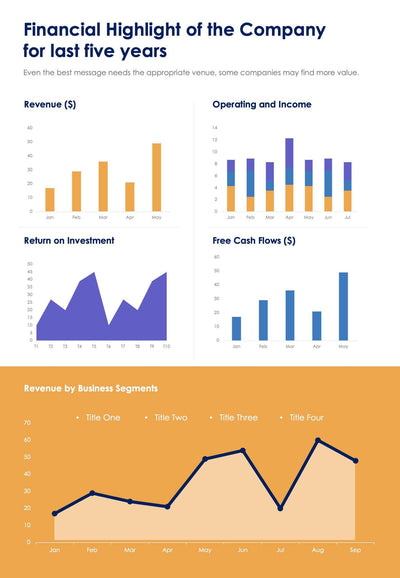
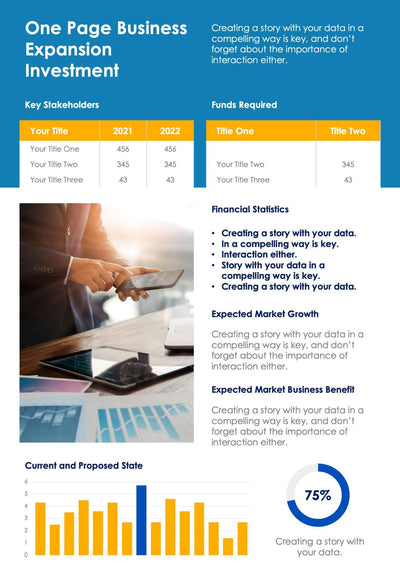
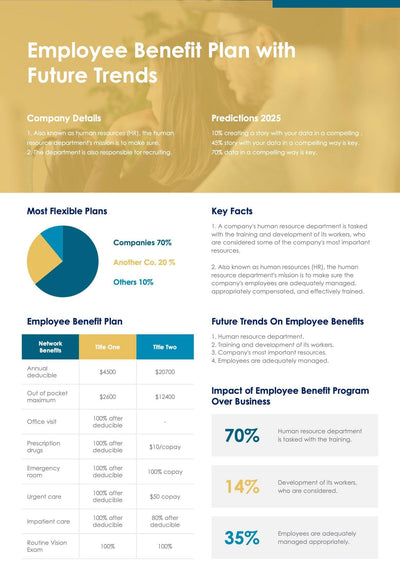
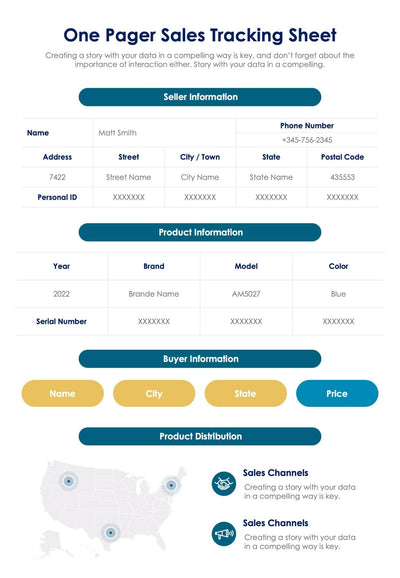
Get one page for a project at a glance with the yellow business executive summary report. It holds your overview, a data table and two charts, all set in yellow and blue blocks.
What's on the page
- A yellow header and a Project Overview box with bullet points
- Project Details with a four-row table for 2020, 2021 and 2022
- Key Accomplishments split into Current Period and Planned For Next Period
- A Financial Overview line chart and a Project Deliverable bar chart
- A Strategic Communication row of five titled boxes, all with placeholder text you replace
Project managers send a page like this to their sponsor each month or quarter. You can also bring it to a steering meeting so everyone works from the same facts.
Start in the yellow header and type your project name. The gray box under it holds a short intro, and the Project Overview box beside it has two bullets for your main points. Next, fill the Project Details table. It has four rows and three year columns, so you can track four measures over three years. Under Key Accomplishments, write what you finished in Current Period and what comes next in Planned For Next Period. Then swap the sample data in the line chart and the bar chart. The five boxes in Strategic Communication close the page. Use them for the messages you want each group to hear.
You can swap in your own figures in PowerPoint or Keynote and send it as a one-page update.