
 Annual Report
 Pitch Decks
 Timeline
 Charts
 Buyer Persona
 Marketing Infographics
 KPI Dashboards
 Project Management
 Roadmaps
 SWOT
 Circle
 Triangle
 Hexagon
 Square
 Flag
 Pyramid
 Funnel
 Puzzle
 Arrow
 Pentagon
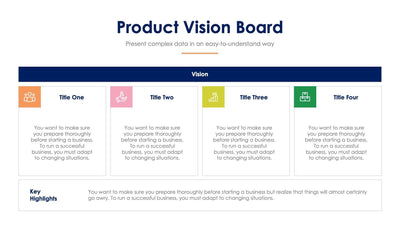
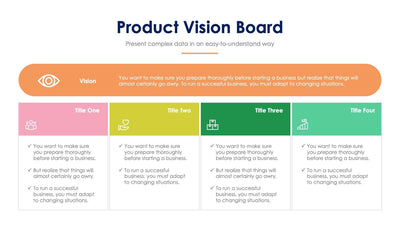
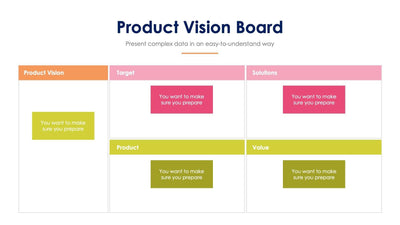

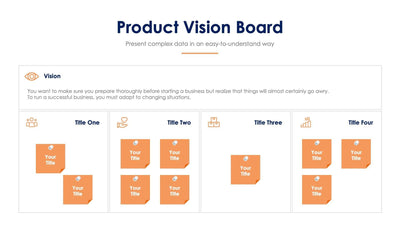
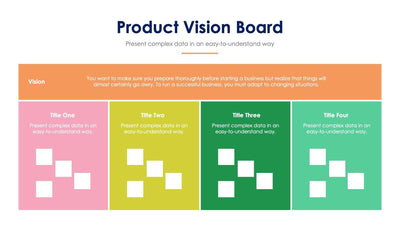
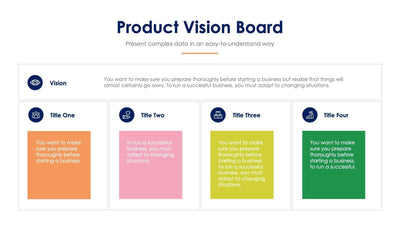
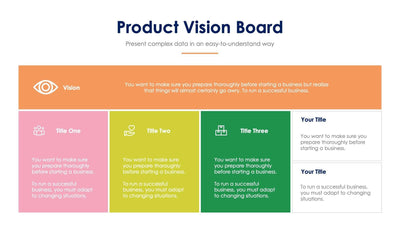


A product vision board shows a team where a product is headed on one slide: the vision, who it is for, and the steps to get there. Product managers use it at kickoff, when engineers, designers and sales need the same picture.
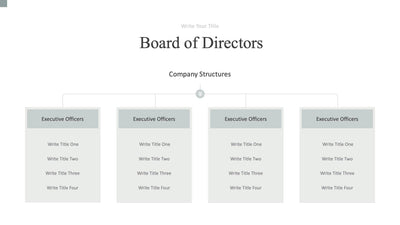
The boards here open with a wide vision bar across the top. Under it you will find four columns in pink, yellow, green and teal, a version with orange sticky notes, and one that adds extra title boxes at the side. A board of directors slide with four executive boxes sits in the set too.
Type your vision into the bar and one idea in each column. You can open a board in PowerPoint, Google Slides or Keynote, then share the link with the whole team.
A free 7-day trial is available on your first purchase only.
It is a one-slide summary of what a product should become. A vision statement leads, and short columns below it hold the audience, the need, the main features and the goals. Teams build one before roadmaps or budgets exist, because it keeps everyone arguing about the same picture.
Write the vision in one sentence in the top bar. Keep each column to a few lines so the board still reads from the back of a meeting room. The sticky note version suits a workshop, because you can move a note from one column to another as the team debates priorities. The version with extra title boxes at the side gives you room for risks or metrics.
Use the board early, before dates exist. A roadmap says when, while a vision board says why. Teams often show the board first and the roadmap right after it, so people see the reason before the schedule and the schedule makes more sense.
Product, design, engineering and sales each read the same board and add a note. If one column makes people disagree, that is the column to discuss, and it is far cheaper to find the gap on a slide than after a build.
Every box, bar and note is an editable shape. Recolor the columns to match your brand, delete a column you do not need, or duplicate the slide to build one board per product line. A board of directors slide with four executive boxes comes in the same set for teams that need to show who owns the decision.