
 Annual Report
 Pitch Decks
 Timeline
 Charts
 Buyer Persona
 Marketing Infographics
 KPI Dashboards
 Project Management
 Roadmaps
 SWOT
 Circle
 Triangle
 Hexagon
 Square
 Flag
 Pyramid
 Funnel
 Puzzle
 Arrow
 Pentagon

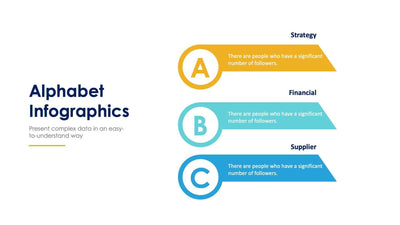
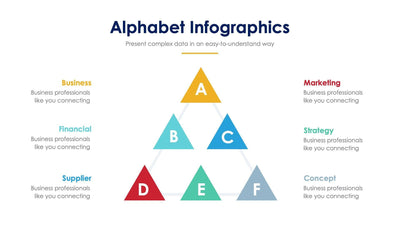

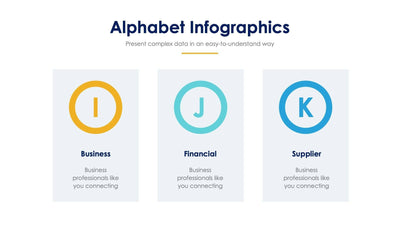


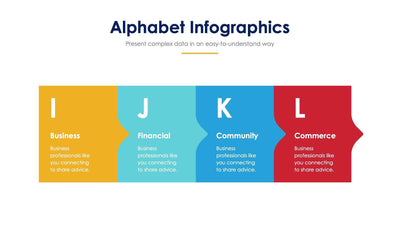
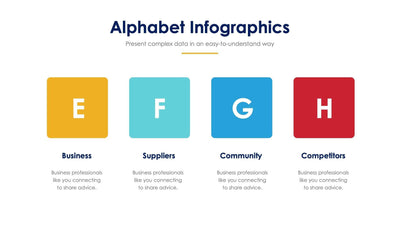


An alphabet slide uses large letters as the structure for a list. A teacher can walk through A to D, and a consultant can use letters for the four parts of a framework.
The layouts here give you diamonds with the letters I, J, K and L, slanted tabs for I, J and K, wide colored blocks for A, B, C and D, and four stacked rounded bars labeled A to D. Each has a short title and a line of text beside the letter.
Change the letters, the headings and the colors in PowerPoint, Google Slides or Keynote.
A free 7-day trial is available on your first purchase only.
In a classroom, a letter block gives a child a clear picture to match to a word. In a business setting, a letter works as a label for an option, as in plan A and plan B. Either way, the big letter is the first thing the eye lands on, so the slide holds attention.
Put a word and a picture under each letter for early readers. For older students, give each letter a term from the lesson and ask the class to explain it. A game of guessing the term from its first letter works well when you reveal one block at a time.
Use the wide block layout for four named parts of a model. The letters give people a way to refer to a part during a discussion, so the meeting stays on track. When someone says part C, everyone looks at the same block.
The diamond layout begins at I, which shows that the letters are text you can change. Type any letters you like, including a full word spelled out across several slides, or the initials of your own company values.
Keep to the number of blocks the layout gives you, and duplicate the slide to continue the alphabet. A slanted tab version fits three letters, while the stacked rounded bars hold four and read well from the side of a room. Pick the shape that matches your list, then fill in the text beside each letter.