SWOT Analysis Excel Template S08092301

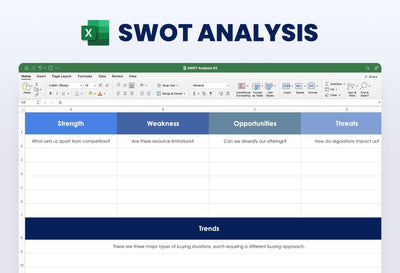
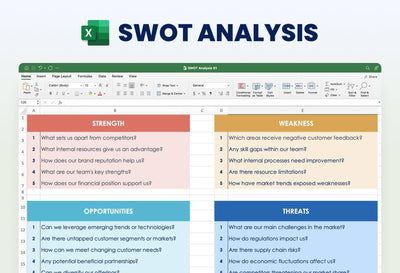
A SWOT analysis Excel template gives strengths, weaknesses, opportunities and threats their own colored block and a score for every item. You write each point in a row and type its score next to it.
What's in the spreadsheet
- A SWOT Analysis header with big S, W, O and T blocks in purple, orange, yellow and blue
- A guiding question at the top of each block, such as What is your weakness?
- Rows of Write Your Title cells for each item, with a score cell beside every one
- Sample scores you overwrite with your own numbers
Planning meetings are where this sheet earns its place. You can fill it in before a yearly review or a pitch to a new partner. Because each point carries a score, your team can talk about the items that weigh most first.
Start in the purple S column. Replace each Write Your Title cell with one strength, then type a score beside it. Then do the same in the other three blocks. Agree on a scale before you begin. The sample numbers run from 2 to 50, so you can keep that range or set a smaller one, such as 1 to 10, that your whole team understands. If one block needs more room, you can add rows under it. You can also recolor the four headers to match the rest of your report.
You can keep the whole sheet in Excel and share it with your team from there.