Three Pillar Slide Infographic Template


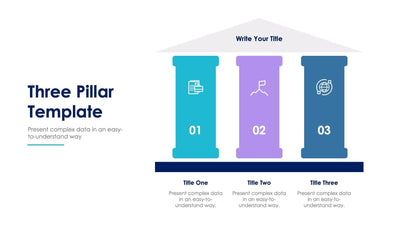
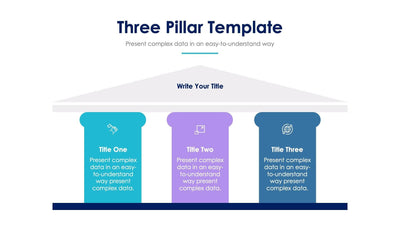
Three colored columns hold up one big idea on the three pillar slide, like the front of a classic building. A gray roof carries your main title, and a gray base runs under the columns.
What's on the slide
- The slide title Three Pillar Template at the top
- A triangle roof that reads Write Your Title
- Pillars in blue, purple and red, each topped by a small white icon
- Title One, Title Two and Title Three printed inside the pillars, over placeholder text
You could use it to show your company values at a team meeting or to break a plan into its three main parts. Because the text sits inside each pillar, every column reads as its own card. Your audience sees right away that all three hold up the roof together.
Begin with the roof. Write Your Title is a placeholder, so put your big idea there in a few words. Then rename the three pillars, which carry numbered sample titles. Each pillar has room for about five short lines of placeholder text under its title. Pick a small icon for each top that fits its point. The pillar colors keep each one apart, and you can change them to match your brand. You can reword and recolor them in PowerPoint, Keynote or Google Slides before the meeting.