Three Pillar Slide Infographic Template


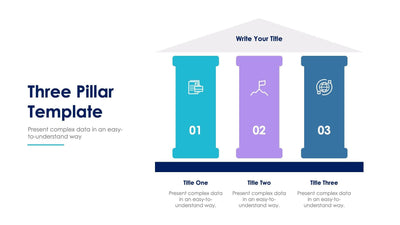
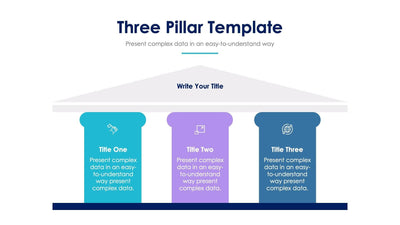
Three ideas stand up like columns on the three pillar slide. A pale gray roof and base frame three tall pillars, one teal, one lavender and one steel blue.
What's on the slide
- A Three Pillar Template title, a one-line subtitle and a short teal rule
- Pillar labels Title One, Title Two and Title Three, written sideways up each pillar
- Three bullet points on the left of the pillars and three on the right
- A pale gray triangle roof over a flat base
You can use it to show your company values at an all hands meeting. It also fits a pitch where you sell three service lines under one roof.
In this version the labels sit inside the pillars and the bullets sit outside, so the columns stay clean. Start by writing your three pillar names up the columns. Short names fit best, since the text runs sideways. Then fill the bullets on each side with the points that hold each pillar up. You can put your company name on the roof, or leave it as a plain shape. The base can stay plain too. If you only need two pillars, delete one and center the other two under the roof. You can open the slide in PowerPoint, Keynote or Google Slides and recolor each pillar to fit your brand. Its product code is S07272216.