EMEA Region Map Infographic Slide Template


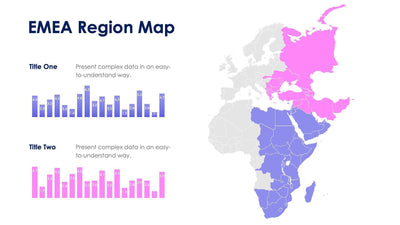
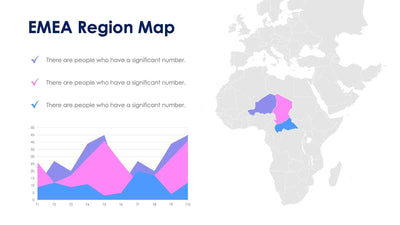
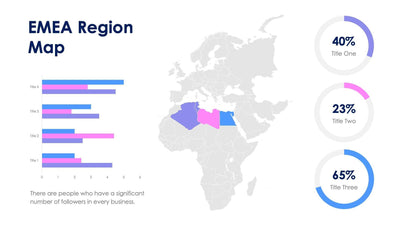
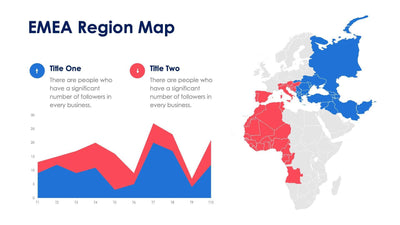
Zoom in on one country inside EMEA with the EMEA region map slide. One country is filled in purple on a gray map of Europe, the Middle East and Africa, and a larger copy of it sits on the left.
What's on the slide
- A two-line EMEA Region Map title in dark blue above the enlarged country
- A gray map of Europe, the Middle East and Africa with one country in purple
- An enlarged outline of the same country
- A row of eight people icons with five in purple, for a share you set
- Three points on the right, Title One to Title Three, with placeholder text
A single country sits next to a people chart. You can use it to open a talk on one country office, or on a local market you plan to enter.
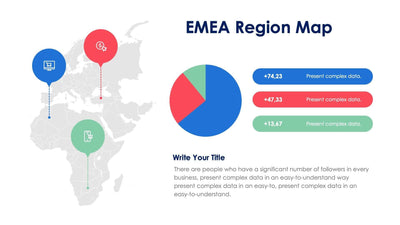
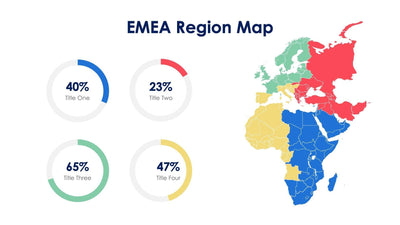
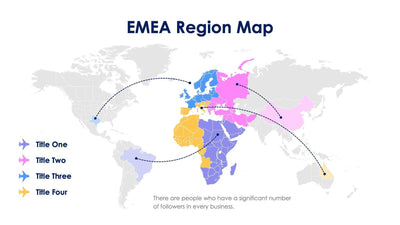
Its near-twins show EMEA as one block or in three colored parts, while this one picks out a single country. Start with the people chart. Set how many of the eight icons are purple, then write one line under the row. Next, give the three points on the right their own titles and short notes. You might use them for team size and sales goals. If your country is a different one, you can recolor it on the map and swap the larger outline on the left. The sample country is in North Africa. You can retitle it and change the chart in PowerPoint, Keynote or Google Slides.