EMEA Region Map Infographic Slide Template


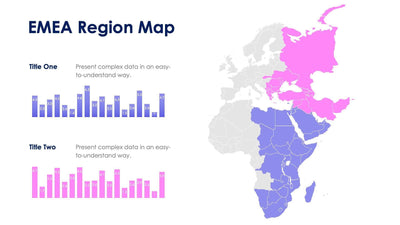
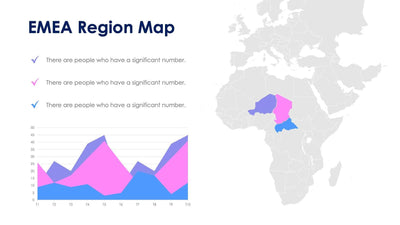
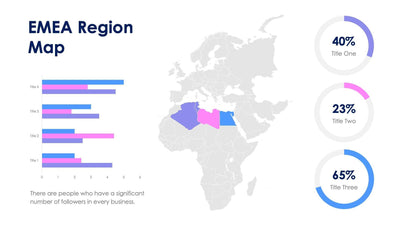
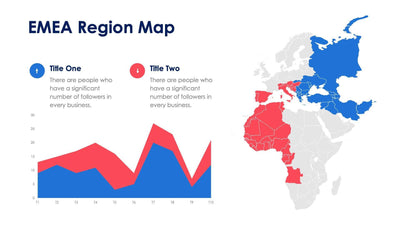
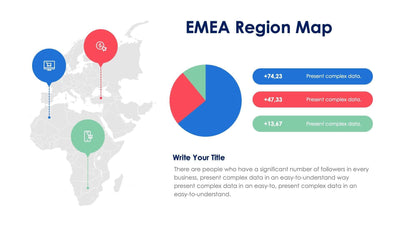
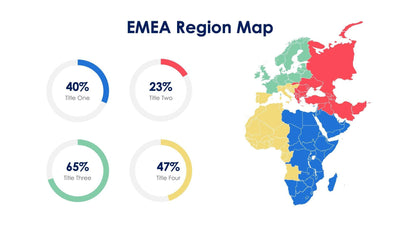
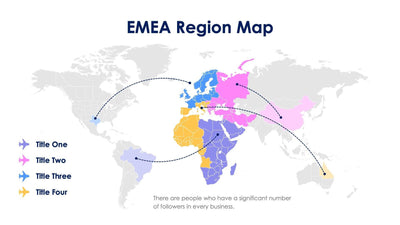
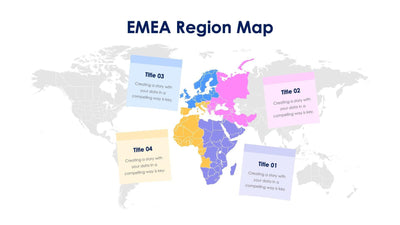
Regional results across Europe, the Middle East and Africa share an EMEA region map slide with their map. The map fills the left and your numbers fill the right, so you can show data and place together.
What's on the slide
- A map of EMEA split into four colored areas: blue, pink, yellow and purple
- One large headline figure with a line of text under it
- A horizontal bar chart with three groups of four bars
- Four numbered progress rings, each with a short line of text
It suits a sales review or an investor update, when your audience wants one big number and the detail behind it. You can also use it to compare four teams across three quarters.
Start with the headline figure at the top right. Type your main result there, such as total revenue or new customers, and write one line under it. Next, update the bar chart. It has three groups, Title 1 to Title 3, and four bars in each group that match the four map colors. Give each group a period or a product, and each color a region. The four rings on the right are numbered 1 to 4. Set each ring to a share for one region and add a short note beside it. This version adds a bar chart and a headline number to the map, while the other EMEA map slides keep things simpler.
All text and figures are placeholders you can replace in PowerPoint or Keynote.