EMEA Region Map Infographic Slide Template


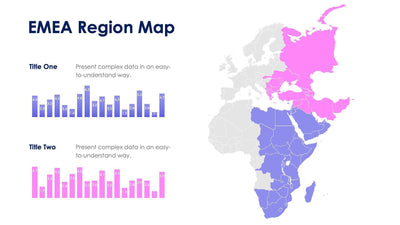
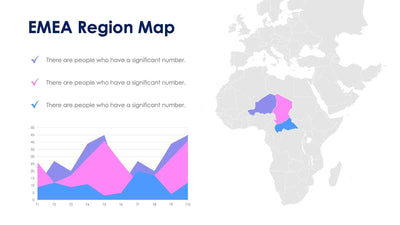
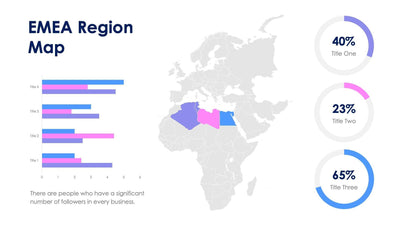
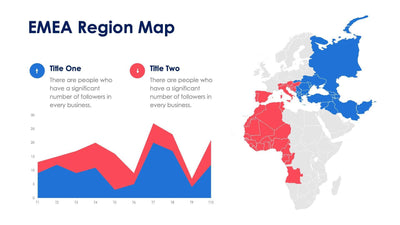
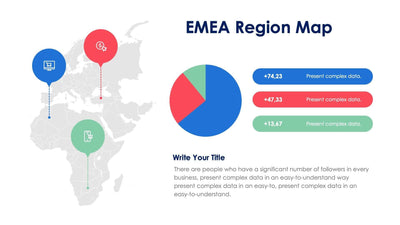
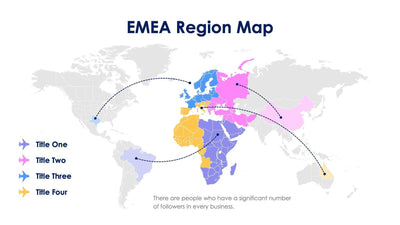
Four rounded callouts point into Europe, the Middle East and Africa on the EMEA region map slide. A thin line runs from each callout to its colored region on a gray world map.
What's on the slide
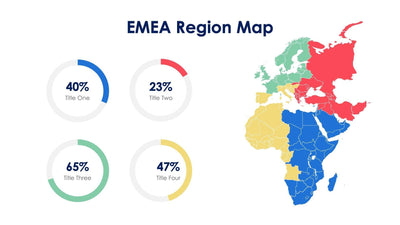
- EMEA split into four regions in blue, pink, yellow and purple
- Outlined callout boxes, Title One to Title Four, each in its region's color
- Three short lines of placeholder text by each callout
- A large navy EMEA Region Map title
Use it when your sales team, your offices or your partners are split across the region and you need one picture of who covers what. It works well in a quarterly review or a kickoff deck. Each region gets its own name and a short note, and the rest of the world stays pale gray so your eye goes straight to EMEA.
First, rename Title One to Title Four with your own region names, such as a country group or a team. Then replace the placeholder lines under each callout with a fact you want your audience to remember, like a head count or a lead contact. The callout colors match the regions, so you always know which box belongs to which area. Want fewer regions? Delete a callout and recolor its countries gray.
Every country is its own shape in PowerPoint, Keynote or Google Slides, so you can switch it to another region's color.