EMEA Region Map Infographic Slide Template


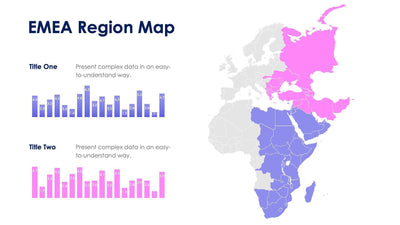
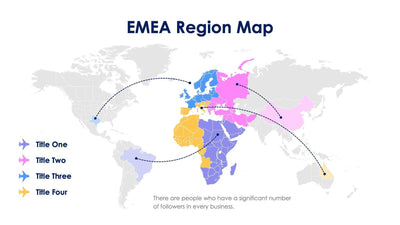
Here the EMEA region map slide shows the whole region as one block. A tall purple band runs down a gray world map, and Europe, the Middle East and Africa are filled in purple inside it.
What's on the slide
- An EMEA Region Map title in dark blue at the top left
- A light gray world map with every country outlined
- A vertical purple band with a Title One label over the region
- A Write Your Title heading with a placeholder paragraph at the bottom left
Because the region is a single color, the slide works well to open a regional section or to set the scene before the numbers. You might show it in a quarterly review or a sales kickoff.
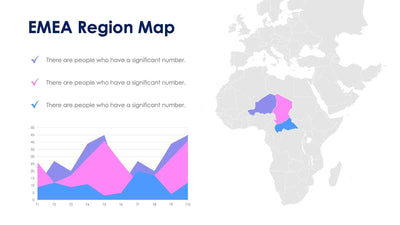
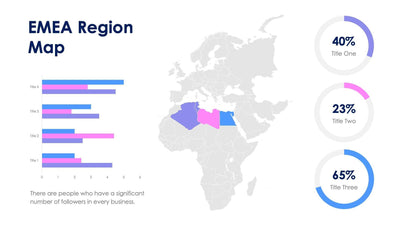
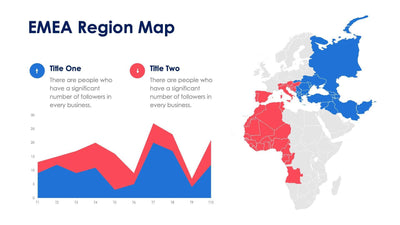
This version shows EMEA as one block on the full world map, while its near-twins split the region or zoom in on one country. Start with the Title One label in the purple band. Name your region or your team there. Then write a heading and a short paragraph at the bottom left. A few lines are plenty. Your audience sees the rest of the world in gray, so EMEA stands out at once. You can change the band color and the text in PowerPoint, Keynote or Google Slides, and you can move the band if your region lines up a little differently.