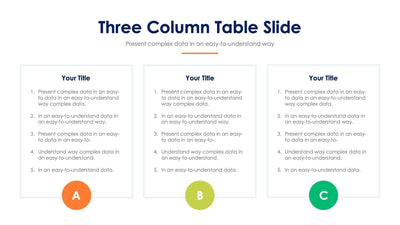
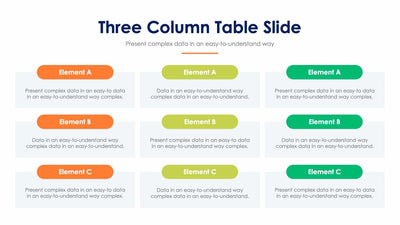
Three Column Table Slide Infographic Template


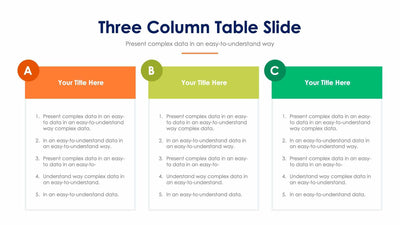
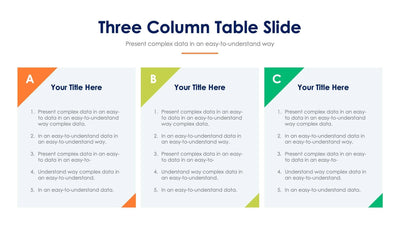
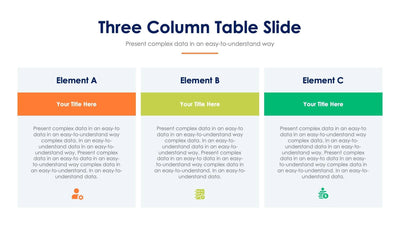
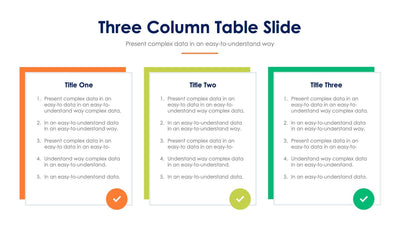
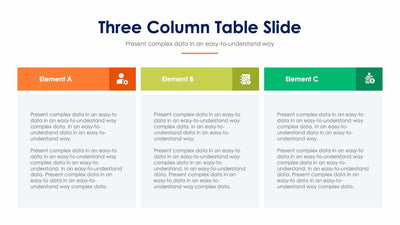
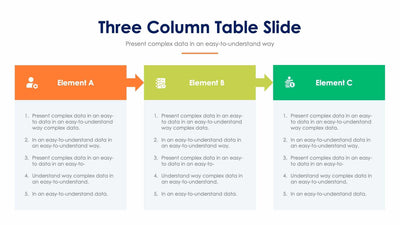
Three long paragraphs get equal room on the three column table slide. Each column starts with a colored, arrow-shaped header and drops into a tall white panel.
What's on the slide
- Headers in orange, lime and green that read Element A, Element B and Element C
- A white panel under each header filled with a block of placeholder text
- A Three Column Table Slide title over a gray subtitle
- A short orange line under the subtitle
Choose it over a list style when each point needs a few sentences of its own. You might compare two plans and a fallback, or set out the goal, the method and the result of a project side by side for your class or your team.
Start with the headers. Rename Element A, Element B and Element C with short labels of two or three words so they fit inside the arrow shapes. Then replace the placeholder paragraph in each panel with your own text. Your columns read best when they hold about the same amount, so the three panels stay even. If one point runs long, trim it rather than shrinking the font. Last, swap the gray subtitle for a line that tells your audience what the three columns have in common.
Change the headers and panels in PowerPoint, Keynote or Google Slides.