Three Column Table Slide Infographic Template


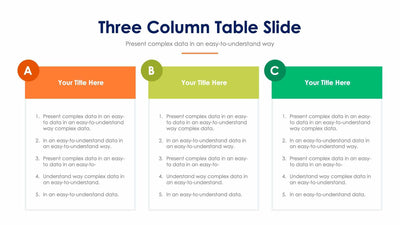
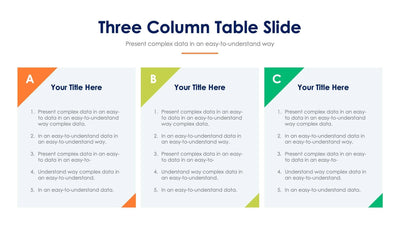
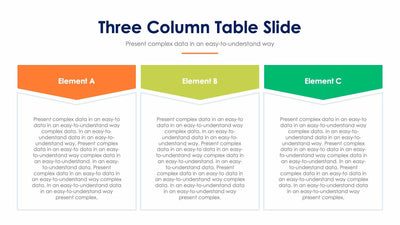
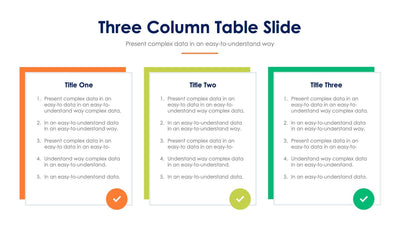
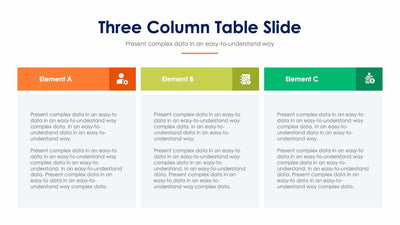
Need to compare two plans and a third option side by side? A three column table slide gives each column a colored title bar over a block of text, with an icon at the bottom.
What's on the slide
- A Three Column Table Slide title with a short subtitle and an orange line
- Three light gray columns labeled Element A, Element B and Element C
- Title bars in orange, lime and green that read Your Title Here
- A paragraph of placeholder text in each column
- One icon per column: a person with a gear, a checklist and a stack of coins
You can use it to show three service tiers to a client, or three routes for a project when your team has to pick one.
Start at the top of each column. Replace the three Element labels with the names of the things you compare. Then write a short title in each colored bar, such as Basic or Best for teams. The text block under each bar holds a paragraph. Cut it to three or four lines so your audience can read it quickly. You can swap any of the three icons at the bottom for one that fits your topic. If you want one column to stand out, give it a stronger color and keep the other two softer. The orange line under the subtitle can match your brand too.
You can make all of these changes in PowerPoint, Keynote or Google Slides.