Scope Slide Infographic Template


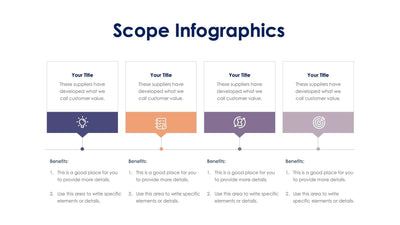
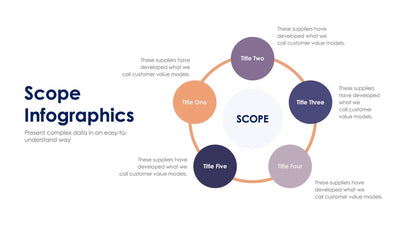
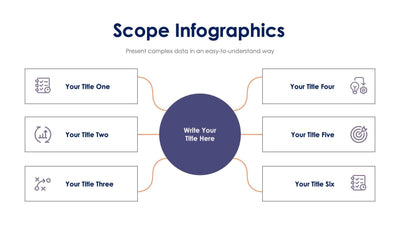
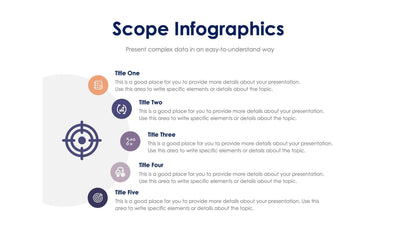
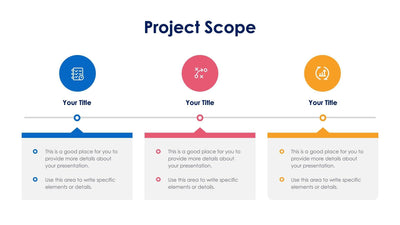
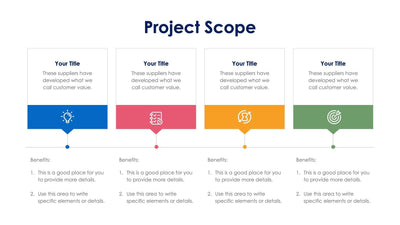
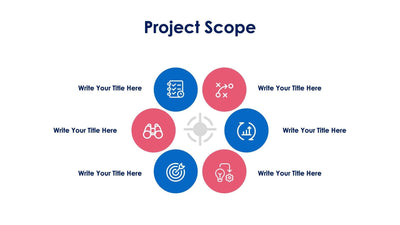
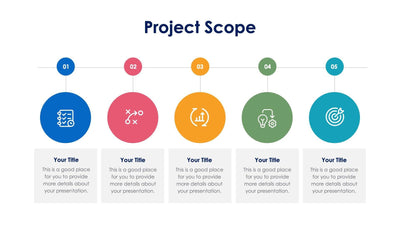
This scope slide maps what a project covers in five parts. Five round icons curve in a gentle arc around a center title, each with a small dot on a stem.
What's on the slide
- A Scope Infographics title with a short subtitle
- Five circles in slate blue, orange, purple, mauve and dark navy
- Icons for a checklist, a growth chart, a game plan, an idea with gears and a target
- A Your Title heading beside each circle with a few lines of placeholder text
Open a kickoff meeting with it, so your team and your client agree on what the project covers before work starts. The five parts can hold your deliverables or your phases.
Start with the Your Title spot in the center. Name your project there. Then give each circle its own heading and a few short lines in place of the placeholder text. The icons run from a checklist on the left to a target on the right, so the arc reads like a path toward your goal. If you need four parts, you can delete one circle and space the rest along the curve. You can change the icons and colors in PowerPoint, Keynote or Google Slides to match your company deck. Its product code is S12202304.