Project Status Slide Infographic Template


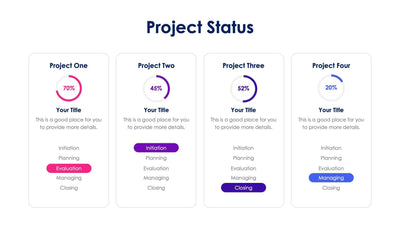
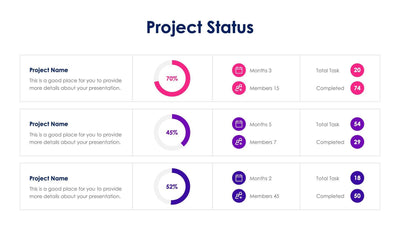
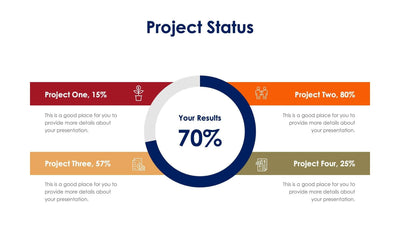
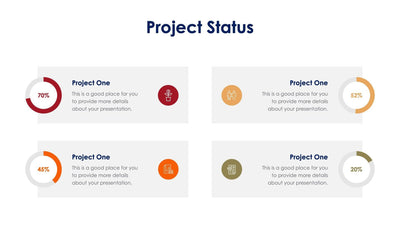
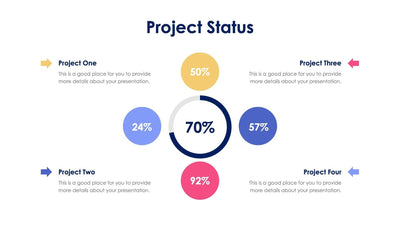
This project status slide gives four projects a card each, with a progress ring showing a sample percentage. The headers run yellow, blue, pink and periwinkle across a white slide.
What's on the slide
- Cards headed Project One to Project Four under a Project Status title
- Rings reading 70%, 45%, 52% and 20%, each in its card's color
- Line icons of a money plant, an invoice with coins, two people trading arrows and a report with a dollar sign
- Title One to Title Four, each over the same placeholder note
Set each ring to your own percentage before the weekly check-in. Your manager or client can see in a few seconds which project is ahead and which needs help.
Start with the colored headers. Replace Project One to Project Four with the names of your own projects. Then set each ring to the share of work that is done, and change the number in its center to match. Under each icon, rename Title One to Title Four with the next milestone or the owner's name. Swap the placeholder note for one line on what happens this week. The icons can change too. Pick ones that fit your projects, such as a chart for your sales push. If you track fewer than four projects, delete a card and space the rest out.
The project names and rings are editable in PowerPoint or Keynote.