Numbers Slide Template


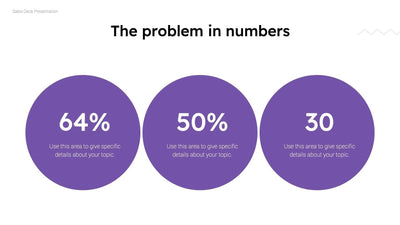
The problem in numbers is the headline of the numbers slide, and three big blue circles carry the proof. Each circle holds one sample figure over two lines of placeholder text.
What's on the slide
- The bold headline The problem in numbers
- Three blue circles with the sample figures 45%, 27% and 12
- The line Use this area to give specific details about your topic, printed in each circle
- A small Company Name tag in the top left corner
- Curved gray lines over a soft white background
You might place it early in a pitch deck, right after you name the problem your product solves. Your audience will remember a number long after they forget a sentence. With the figures side by side, each circle makes one point, and the wide gaps keep them easy to read from the back of a room.
Swap the sample figures first. Put in your own numbers, then say what each one counts in the two lines underneath. Then change the small Company Name tag in the top left corner. If you want to share good news, reword the headline to match. Keep each circle to one idea. You can make all of these changes in PowerPoint, Keynote or Google Slides, and you can recolor the circles to fit your brand.