Iceberg Slide Infographic Template


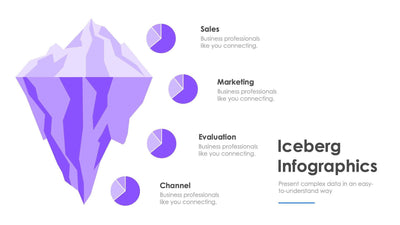
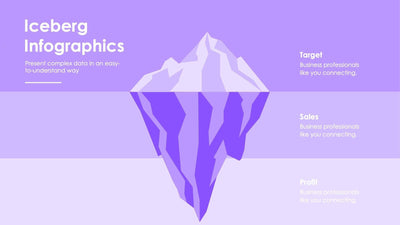
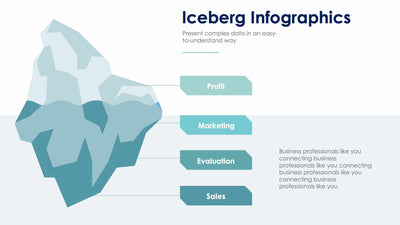
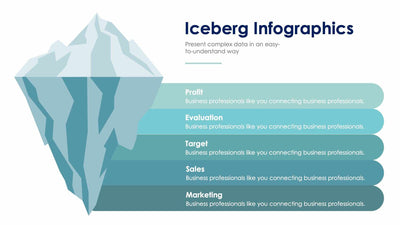
Four labeled points sit around one large drawing of an iceberg on the iceberg slide. Its tip rises above a waterline, and most of its bulk sits in darker blues below, so you can show what people see and what they miss.
What's on the slide
- The iceberg drawn in light blue above the water and deeper blues beneath it
- Numbers 1 to 4 in light and dark blue circles, two on the left and two on the right
- The sample labels Evaluation, Clients, Profit and Channel
- Two lines of placeholder text under each of those four labels
- The heading Iceberg Infographics over a subtitle and a thin blue rule
You might use it in a client meeting to explain why a project takes more work than it seems. The four sample labels already lean that way. Evaluation and Profit sit on the left, while Clients and Channel sit on the right. You could make the tip the part your client sees and the dark blue bulk the work your team does behind it.
Start with the heading. Iceberg Infographics is sample text, so give it your own topic and rewrite the subtitle under it. Next, rename the four labels. Each one has two short lines of placeholder text under it, which is room for one plain point. The numbers in the circles run 1 to 4, so you can walk your audience around the slide in order. You can edit every shape, label and color in PowerPoint or Keynote.