Iceberg Slide Infographic Template


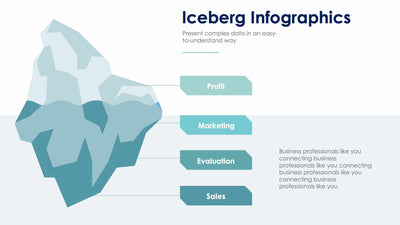
A pale blue iceberg, cut flat at the waterline, fills the left side of this iceberg slide. Evaluation labels the peak, while Target and Clients sit beside the larger part below the line.
What's on the slide
- An Iceberg Infographics title with a short blue rule under its subtitle
- An iceberg drawn in light and mid blues, with more of it below the line than above
- A bright blue panel down the right edge
- Three dark blue circles in that panel: a gear with a check mark, a house with a dollar sign and an envelope with an @ sign
- Evaluation, Clients and Target headings beside the circles, each over a placeholder line
Put the part people see at the top and the causes under the water. You might use it in a team meeting to show why a problem keeps coming back, or in a client pitch to show the work behind your results.
Begin with the three labels on the iceberg. Rename the top one with what your audience already sees, such as a drop in sales. Then rename the two below the waterline with the hidden causes. Next, copy the same three headings into the blue panel on the right. Under each one, swap the placeholder line for a short note. The icons in the dark blue circles can change too, so pick ones that fit your labels. Keep your notes short.
The labels and icons are yours to edit in PowerPoint or Keynote.