Four Quadrants Slide Infographic Template


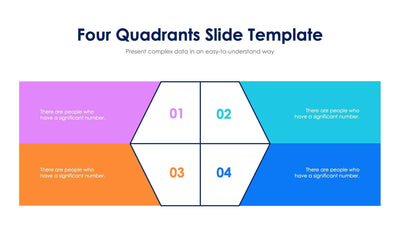
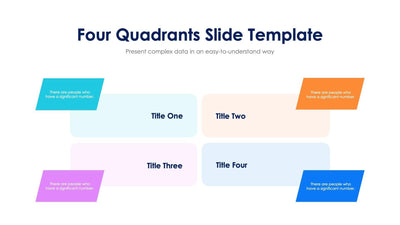
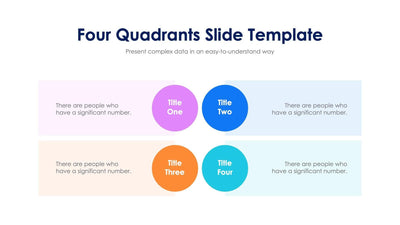
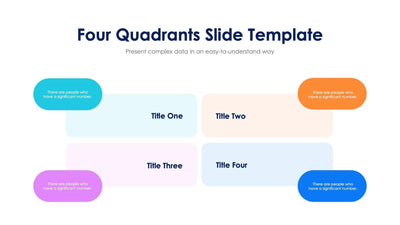
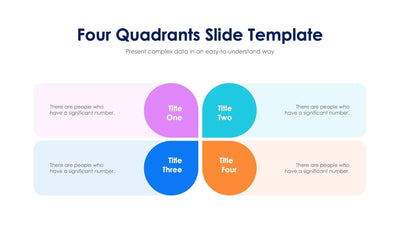
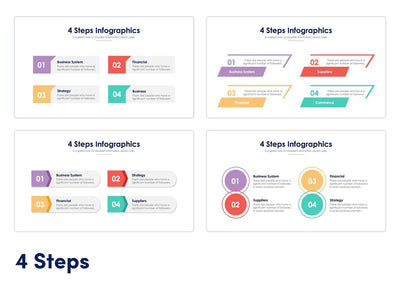
This four quadrants slide splits one idea into four parts. Four wide boxes sit in a two by two grid, each with a bold colored triangle and a big number.
What's on the slide
- A Four Quadrants Slide Template title with a short subtitle
- Boxes in violet, orange, blue and cyan, numbered 01 to 04
- Large triangles on the inner corners, so the four boxes read as one group
- Two lines of placeholder text in each box
Try it for a priority grid or four product lines. You can also use it to weigh the pros and cons of two options in a team meeting.
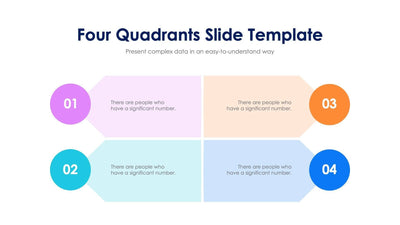
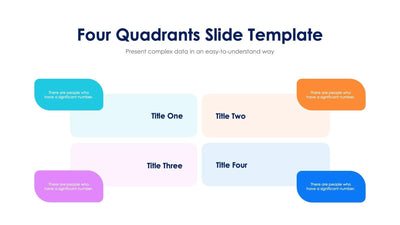
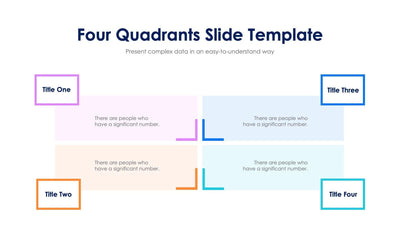
Start with the numbers. They run 01 and 02 down the left, then 03 and 04 down the right, so your audience reads one column at a time. Then write two short lines in each box in place of the placeholder text. If your four parts need headings, you can add a bold line above the text in each box. The text sits near the outer edges. The triangles point toward the center, so the eye keeps coming back to the middle of the slide. You can swap the four colors for your own brand colors. You can change the numbers and the text in PowerPoint, Keynote or Google Slides.