Four Column Slide Infographic Template


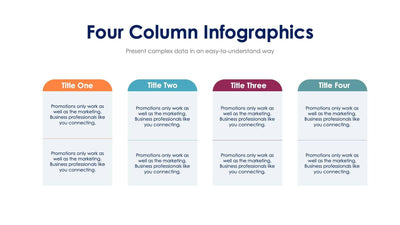
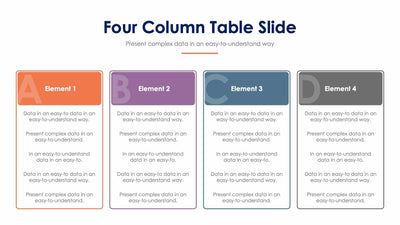
Four ideas line up in order under arrow-shaped headers on the four column slide. The colored headers run from teal on the left to blue on the right, and each one points to the next column.
What's on the slide
- A Four Column Infographics title with a short subtitle
- Four arrow headers from Title One to Title Four
- A colored dot under each header that matches its arrow
- A short placeholder paragraph in each white column
The arrows make it read left to right. You can use it for four steps in a process, or four stages of a project in a team update.
Start with the four arrow headers. Name each of your steps in two or three words, since the arrows are short. Then write a short paragraph in each white column in place of the placeholder text. The dot under each header picks up its color, so your audience can match a column to its arrow from across the room. If one of your steps needs more room, you can make the columns taller. Each arrow is its own shape. For three steps, delete one column and stretch the rest. You can change the titles and header colors in PowerPoint, Keynote or Google Slides.