Flywheel Diagram Slide Infographic Template


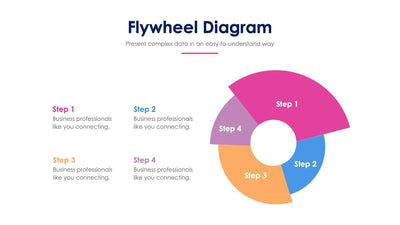
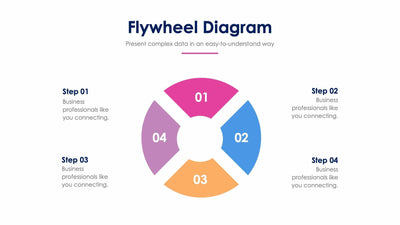
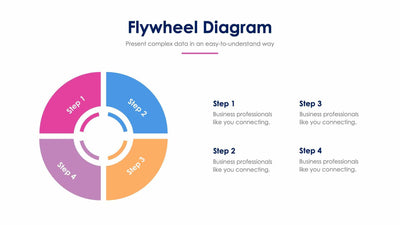
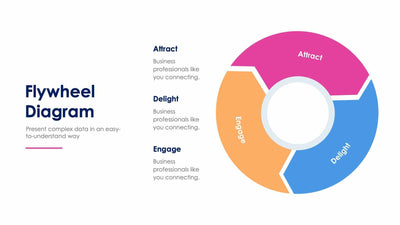
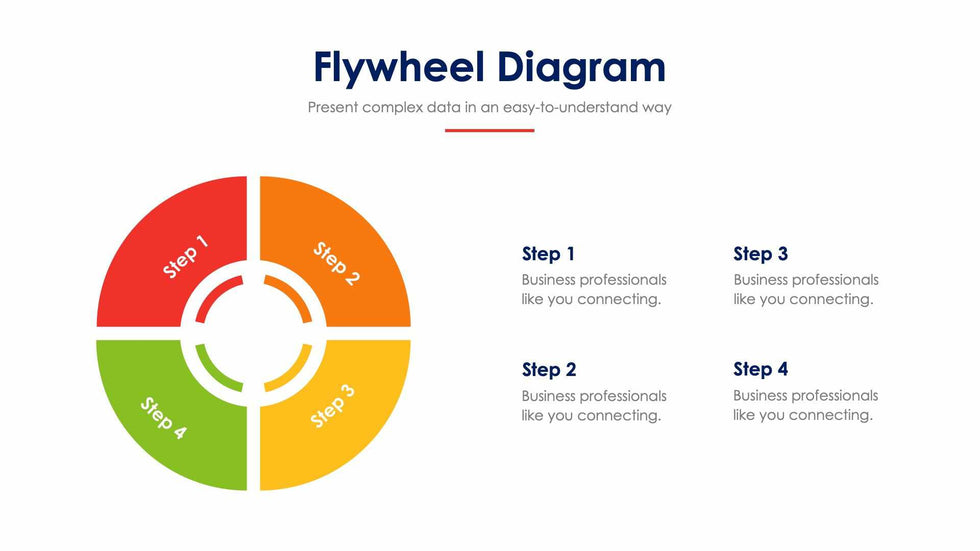
A cycle in four equal parts is the core of this flywheel diagram slide. A round wheel is split into four colored quarters, from red to green, each marked with its step number.
What's on the slide
- A Flywheel Diagram title with a short subtitle and a red line under it
- A four-part wheel with Step 1 to Step 4 written on the segments
- An inner ring of four short arcs in the same four colors
- Four text blocks on the right, Step 1 to Step 4, in a two by two grid
- Placeholder text under each step that you replace
You can use it to show a growth loop in a strategy meeting, or a customer cycle in a sales training. Each turn of the wheel feeds the next one.
This version has four quarter segments and no arrows, so it reads as one solid wheel. Start by naming your four steps. You can write the names right on the colored quarters, or keep Step 1 to Step 4 there and put the names in the text blocks on the right. Then add one or two lines under each step in place of the placeholder text. Read it out loud once. If your last step leads back to your first, you know the wheel makes sense to your room. You can change the step names and colors in PowerPoint, Keynote or Google Slides.