Flywheel Diagram Slide Infographic Template


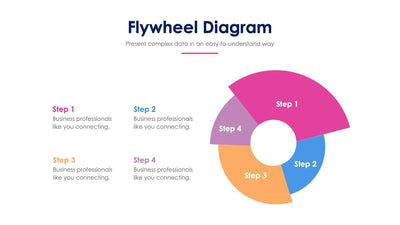
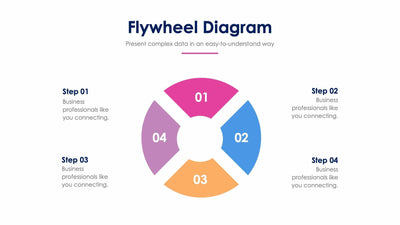
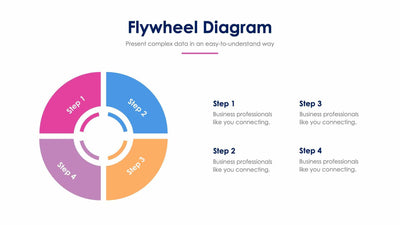
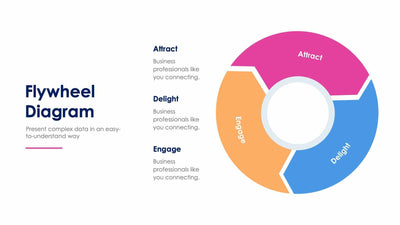
Five curved arrows join into one ring around a target icon on a flywheel diagram slide, and each step feeds the next.
What's on the slide
- A ring of five numbered arrows in teal, green, orange, coral and pink
- A target icon in the center of the wheel
- Five labels, Step 01 to Step 05, around the ring, each with a placeholder line
- A Flywheel Diagram title with a teal rule under its subtitle
Sales and marketing teams use a flywheel to show how one stage keeps the next one moving. You can write one stage of your sales cycle or customer journey beside each number and talk your audience around the loop.
The five labels sit outside the ring, two on the left and three on the right. Each label matches the number on its arrow, so your audience can follow the order with ease. Start by naming your five stages in the Step 01 to Step 05 headings. Then replace the short line under each one with a sentence about what happens at that stage. Three lines is plenty. The target in the middle stands for your goal, and you can swap it for your own logo or a different icon. If your loop has fewer stages, you can delete one arrow and stretch the others to close the ring. Each arrow has its own color, so you can recolor them to match your brand.
You can change the step names and the text in PowerPoint, Keynote or Google Slides.