Flywheel Diagram Slide Infographic Template


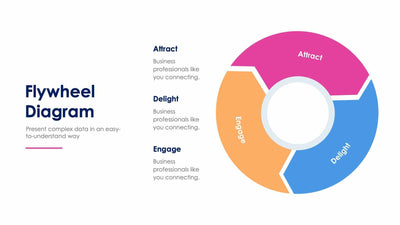
Attract, Engage and Delight split one thick ring on the flywheel diagram slide. Each part points into the next around an open center.
What's on the slide
- A Flywheel Diagram title with a short subtitle and a pink line
- A single ring in pink, blue and orange with notched joins between the parts
- An empty white center you can fill with your own label or icon
- Three text blocks around the ring, each with a matching color line and placeholder text
Any repeat process with three stages, such as a marketing loop, sits well on this ring. You could show your sales team how a happy customer brings in the next one. Your audience sees at once that the last stage feeds the first, so the slide makes the loop easy to explain in a few seconds.
The ring arrives with its stage names already printed. Keep them if your loop uses those words, or rename each part with your own stage. Then replace the placeholder text in the three blocks around the ring. Each block has a color line that matches its part of the ring, so you always know which note goes with which stage. The white center is empty. Add your logo there, or one word that names the whole loop.
PowerPoint and Keynote let you change the labels and colors, and so does Google Slides.