Flywheel Diagram Slide Infographic Template


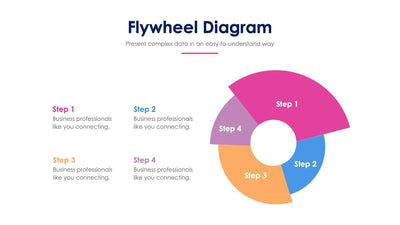
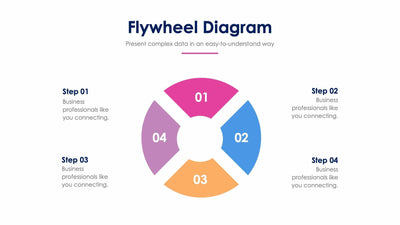
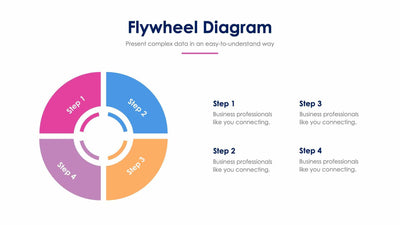
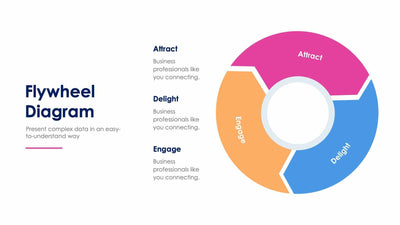
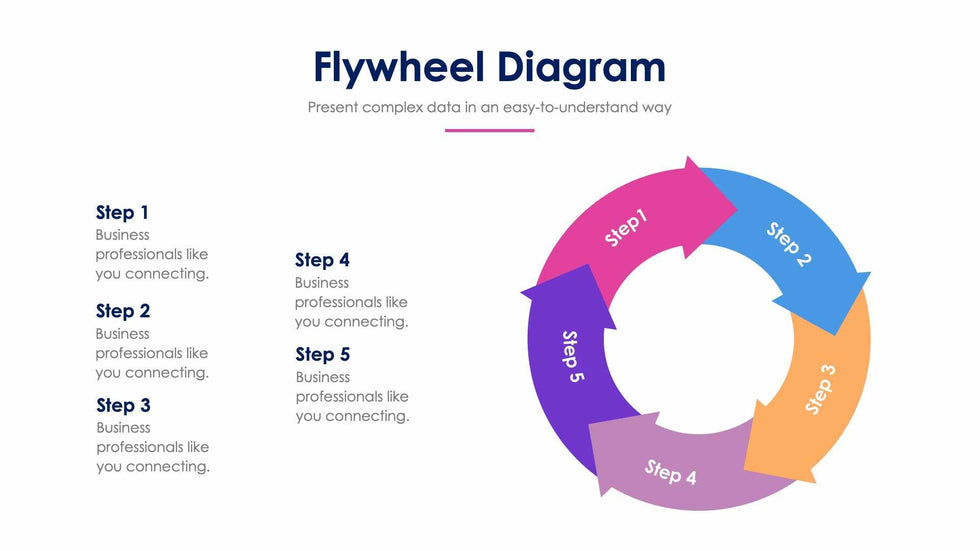
Five curved arrows chase each other around this flywheel diagram slide, each in its own color. Each arrow carries its step number and points into the next one.
What's on the slide
- A ring of five arrows marked Step 1 to Step 5, with an empty center
- Five step headings with a short placeholder line each
- The step text set in two columns to the left of the ring
- A Flywheel Diagram title with a pink line under the subtitle
Five equal stages and no hub label make it a good match when a loop ends where it began. You could use it to show how your customers find you, buy, come back and tell friends. It also fits a team habit you repeat every week. Your audience sees at once that the last step feeds the first.
Start by naming your five stages. Replace Step 1 to Step 5 in the text columns with your own headings, then write one short line under each to say what happens there. Keep the labels on the arrows short, since they curve with the shape. The center of the ring is empty, so you can add your logo or a single word that names the whole loop. If your cycle has a natural start, put it at the top in the pink arrow.
Match the arrows to your brand colors in PowerPoint, Keynote or Google Slides.