Five Column Table Slide Infographic Template


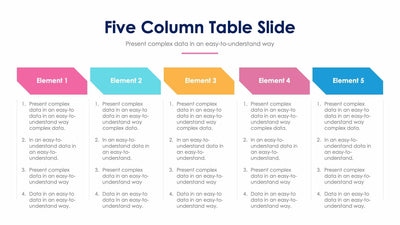
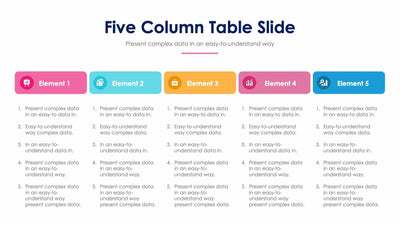
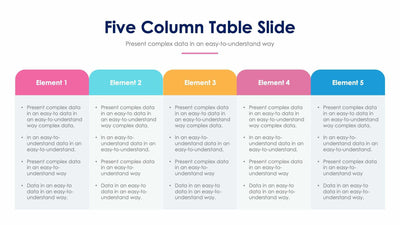
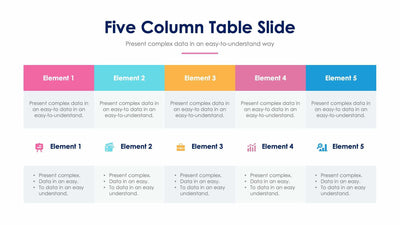
Five products or plans fit side by side on a five column table slide, so you compare them in one view. Each column has a colored header with an icon and room for four bullet points.
What's on the slide
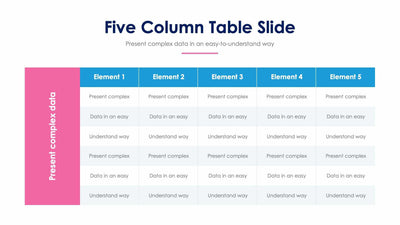
- Five columns labeled Element 1 to Element 5
- Headers in pink, light blue, orange, rose and blue, each with a round icon
- Four bullet points under every header, filled with placeholder text you replace
- A Five Column Table Slide title with a pink rule under it
Product teams use it to line up five features, and consultants use it to set five options in front of a client. You can also show five stages of a plan, one per column.
Start by renaming each header, in place of Element 1 to Element 5. Then write four short bullets under every header. Try to keep the same kind of point on the same row, so your audience can read across. For example, the first bullet in each column could be the cost and the second the time it takes. The icons in the round badges hint at different topics, and you can swap each one for an icon that fits your column. Bullets work best at one line each. If you only need four columns, delete one and widen the rest to fill the slide. The five header colors can follow your brand too.
You can change the headers and bullets in PowerPoint, Keynote or Google Slides.