Events Calendar Infographic Slide Template


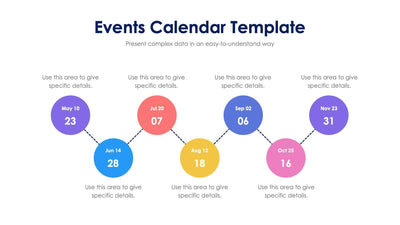
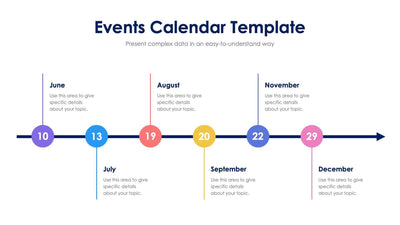
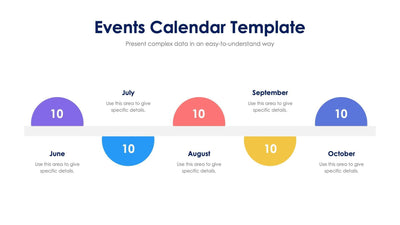
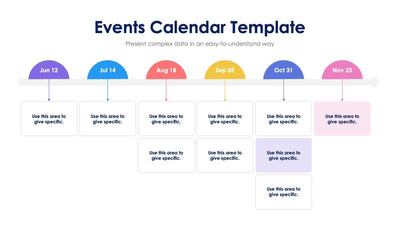
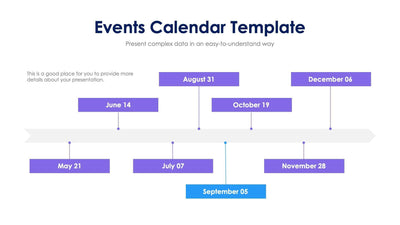
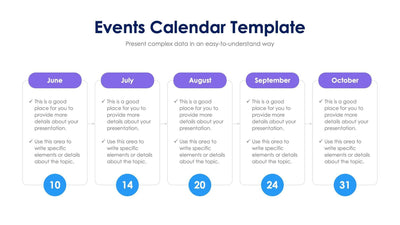
Five key dates share one events calendar slide, each on its own hanging calendar page, so your audience can follow the schedule month by month.
What's on the slide
- Five calendar pages on a line, from July to November
- A month name and a large date number on each page, in red, orange, green, teal and blue
- A placeholder note under every date for the event details
- An Events Calendar Template title over a gray subtitle line
Event planners and schools can use it to show the dates for a season of events. You might put it at the start of a staff meeting so your team sees what is coming up.
Each page hangs from a thin gray line by two dark rings, and each one has its own color across the top. Start with the month names. Type your own months in place of July to November, or use the pages for five weeks or five days instead. Then change the big number on each page to the date of your event. Under every page there is a short placeholder note. Write the event name and a time or place there. If you have fewer than five events, you can delete a page and space the rest along the line.
You can put your own events under the dates in PowerPoint, Keynote or Google Slides.