DevOps Slide Infographic Template


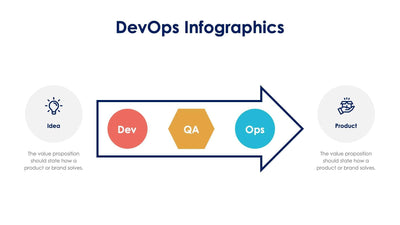
How software moves from idea to product is the subject of this DevOps slide. A red and orange infinity loop sits on a blue arrow that runs from Idea on the left to Product on the right.
What's on the slide
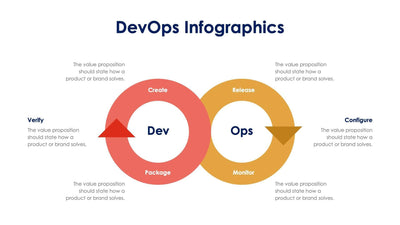
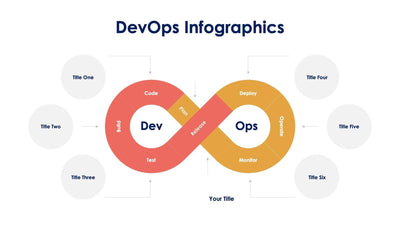
- A red Dev loop with three stages (Create, Verify and Package), plus Culture and Quality labels inside it
- An orange Ops loop with three stages (Release, Configure and Monitor), plus Infrastructure and Standardization labels inside it
- A lightbulb gear icon at the start and a hand holding a shopping bag at the end
- A few lines of placeholder text under each end of the arrow
- A bold DevOps Infographics title at the top
You can open a tech team kickoff with it, or use it in a training class for new hires. The loop shows your team that the work never really stops.
Start with the two ends of the arrow. Write a few lines under Idea and under Product in place of the placeholder text. Then read the six stage names around the loop. You can keep them, or rename any stage to match the steps your own team uses. The small labels inside each loop work the same way. Short names fit best, since the loop has little room. If you want to walk through it step by step, you can copy the slide and fade out all but one stage on each copy. You can change the loops and labels in PowerPoint, Keynote or Google Slides.