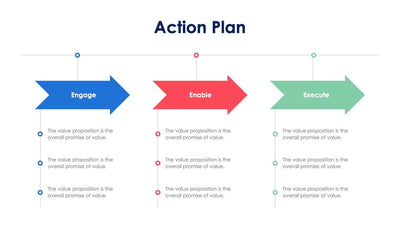
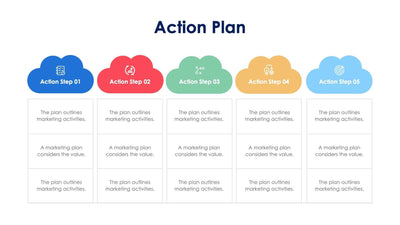
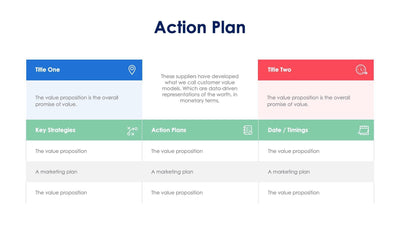
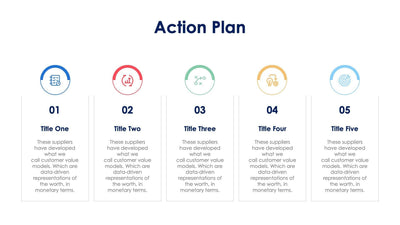
Action Plan Slide Infographic Template


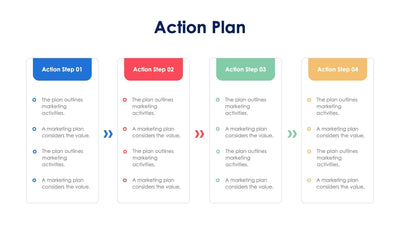
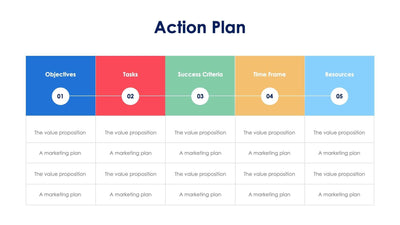
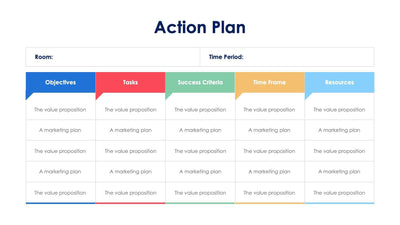
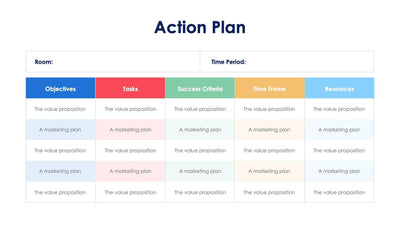
Lay out a project in four phases on the action plan slide. Each phase sits in its own colored card, from Phase 01 to Phase 04, with a dot on a timeline under it.
What's on the slide
- An Action Plan title across the top
- Four phase tabs in blue, red, green and yellow
- A title under each tab, from Title One to Title Four, with a short paragraph
- A speech bubble at the bottom of each card with a line icon: a rocket, a box in a hand, a light bulb and an hourglass
- A thin timeline with four colored dots
Bring it to a quarterly planning meeting, or use it when you start a team project and want everyone to see the four steps ahead.
All titles and paragraphs are placeholder text you replace with your own steps and owners. Start with the four titles under the tabs. Give each phase a short name. Then write a few lines on what happens in that phase and who leads it. The icons in the speech bubbles can stay, or you can swap them for icons that match your own steps. If you want dates, put them on the timeline beside each colored dot. The four colors help your audience tell the phases apart from across the room. You can open the slide in PowerPoint, Keynote or Google Slides and rename the phase tabs if you work in sprints or months.